
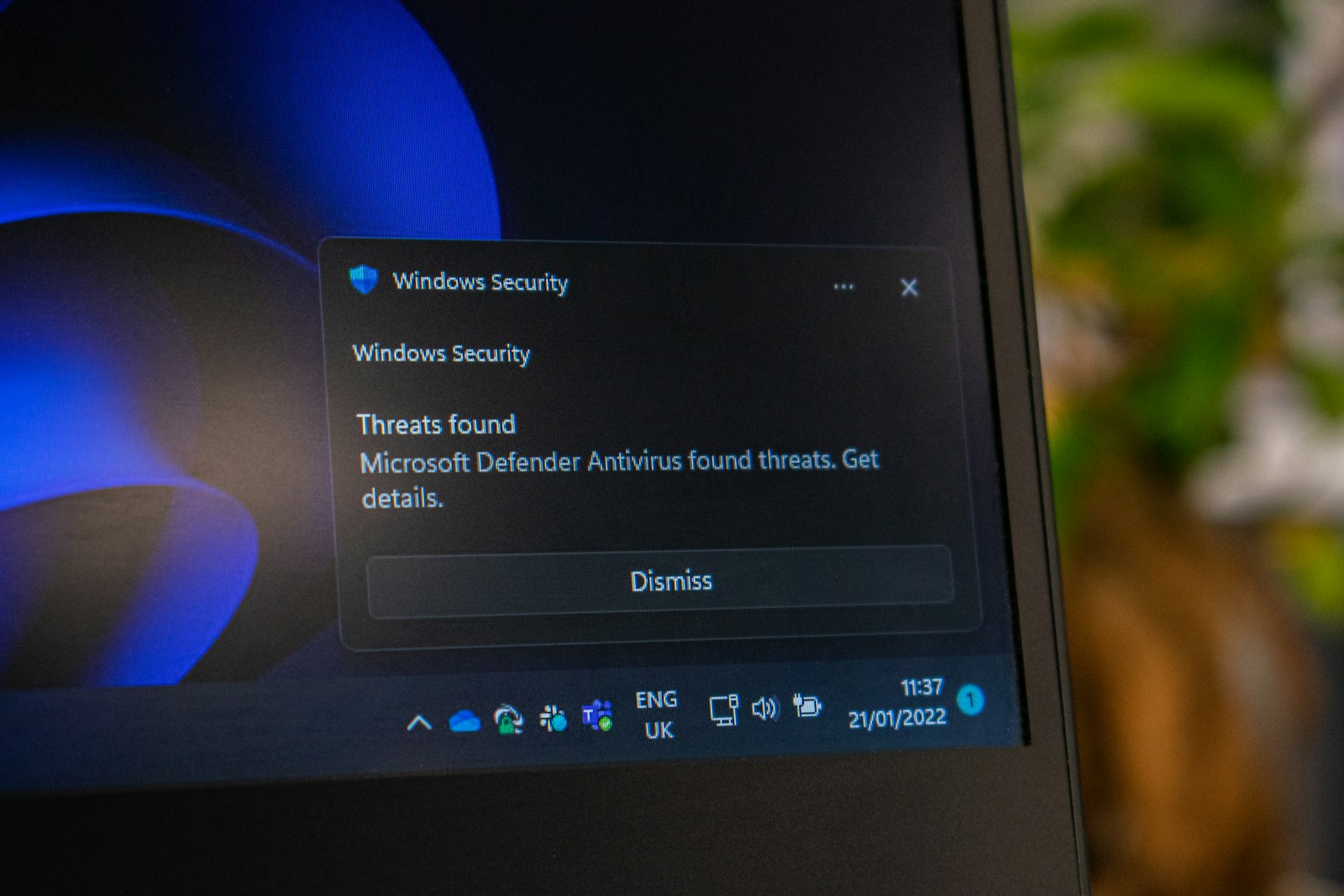
Moving communications into the cloud changes where systems are managed, but it does not remove the business's responsibility for secure use. Accounts, devices, recordings, integrations, and administrator settings all deserve attention. UCaaS security works best as a set of maintained practices rather than a feature enabled once during installation. Start with a clear picture of the service, decide who owns each control, and make the requirements understandable to employees. The objective is to reduce avoidable exposure while keeping everyday communications usable.
Protect identities and account recovery
Use individual accounts so access can be assigned and removed appropriately. Enable multifactor authentication where supported, and choose methods consistent with the company's security policy. Administrator accounts should receive particular scrutiny because they may change routing, access recordings, or create users. Review account recovery procedures as carefully as normal sign-in. An attacker may look for a weak recovery path rather than the primary login. Keep emergency access controlled and documented, and make sure staff know where to report unexpected authentication prompts or account changes.
Limit permissions by responsibility
Not every manager needs full platform administration. Separate routine user support, billing access, routing changes, recording access, and security configuration where the platform allows it. Assign permissions based on actual tasks and review them when roles change. Keep a small, documented group of administrators. Shared credentials can make accountability and offboarding harder, so avoid them where individual access is available. A periodic permissions review should include service accounts and integrations, which can remain active long after the employee who originally configured them has moved on.
Manage devices and application updates
Secure VoIP and cloud communications depend partly on the devices people use. Maintain supported software, apply updates through an appropriate process, and remove access from lost or retired equipment. Establish rules for personal devices if they are permitted. Review how the platform handles active sessions and whether an administrator can revoke them. Desk phones, headsets, mobile apps, and browser access may have different maintenance requirements. Include them in the inventory rather than focusing only on the cloud account and assuming that the endpoints take care of themselves.
Govern recordings and transcripts deliberately
Determine which conversations may be recorded or transcribed and what notice or consent process applies to your circumstances. Have the appropriate policy and legal owners review these decisions. Configure retention and access around the actual business purpose. Avoid retaining material indefinitely simply because storage is available. Check how exports, shared links, and downloaded files are protected after they leave the platform. Test deletion and retrieval processes with non-sensitive sample content. A useful policy connects platform settings to the complete information lifecycle, including copies outside the service.
Review integrations and external sharing
An integration may need access to contacts, call records, or conversation content. Examine the permissions requested and whether they are necessary for the intended workflow. Approve connections through a defined process, document an owner, and remove unused access. Review guest participation, meeting links, file sharing, and federation settings where available. Employees need guidance on when external participants are appropriate and how to verify who is present. Cloud communications security is weakened when sensitive information flows through a convenient connection that nobody has evaluated or continues to maintain.
Detect unusual activity and prepare a response
Ask which logs and alerts are available for sign-ins, administrative changes, call activity, and information access. Establish who reviews them and what conditions require investigation. Define a response for compromised accounts, unexpected routing changes, or suspicious calling charges. Keep support contacts and recovery instructions accessible outside the affected account. Practice revoking access and restoring an approved configuration using a safe test scenario. Monitoring without a response owner can leave the business aware of a problem but unable to act quickly enough to limit its effect.
Reassess controls after changes
New users, features, integrations, and locations can change the security picture. Include a short security review in communications change management and offboarding. Verify that former employees lose access, shared resources have current owners, and administrative permissions remain appropriate. Ask users where security steps are confusing or obstruct ordinary work, then improve instructions without silently weakening the control. Record outstanding risks and decisions. The strongest routine is one that the organization can sustain, review, and adjust as its communications environment evolves.
Give employees a reporting path
Tell employees how to report suspicious messages, unexpected sign-in prompts, and unusual behavior in calling or meeting tools. Keep the instructions accessible and encourage prompt reporting without asking users to investigate a suspected attack themselves. The support team should know how those reports enter the incident process. Short, relevant guidance helps connect technical controls to everyday use and can reveal problems that automated alerts do not immediately explain.
Frequently Asked Questions
Does the provider handle all UCaaS security?
No. The provider manages parts of the platform, while the customer typically controls accounts, permissions, devices, and usage policies. Confirm the responsibility split for your service. Security requires coordination between those responsibilities rather than assuming one party handles everything.
Is encryption enough to secure communications?
Encryption protects information in particular conditions, but it does not prevent every misuse of an account or recording. Identity controls, permissions, endpoint maintenance, retention, and employee practices still matter. Ask which communication paths are protected and how the feature is configured.
Who should be able to access call recordings?
Access should follow an approved business purpose and the relevant policy. Restrict it to authorized roles, review sharing and export options, and document retention. Requirements can vary, so involve the appropriate internal reviewer before enabling recording broadly.
How often should access be reviewed?
Review it when employees join, leave, or change roles, and on a recurring schedule suited to the business. Include integrations and service accounts. A review should result in actual permission corrections, not simply a list of users filed for reference.
What should happen if an account is compromised?
Follow the incident plan: revoke or contain access, preserve relevant evidence, contact the appropriate support and security teams, and validate affected settings. Recovery steps depend on the service. Prepare the process in advance and test it safely before a real incident.
Review your communications security responsibilities
Bring your account, recording, and integration questions to CommX Defense Systems. Ask which platform options and support arrangements are available and how responsibilities would be divided. Verify security features and configuration needs for the specific proposed service.