
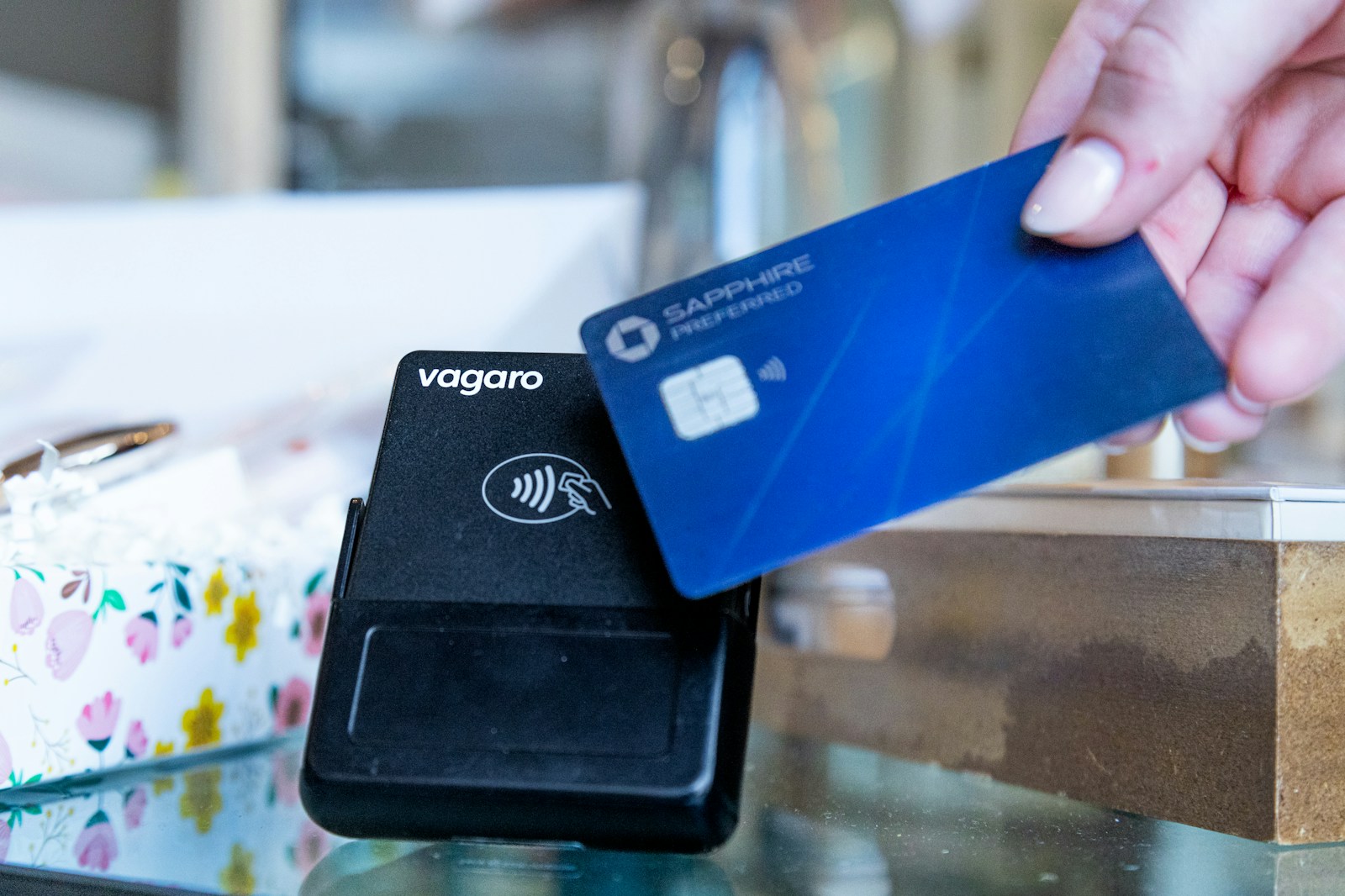
A retail connection supports more than browsing and email. Depending on the store, it may carry point-of-sale transactions, inventory updates, staff communications, customer Wi-Fi, and online order activity. When the connection becomes unreliable, the effect can be visible to customers within minutes. Retail connectivity planning should therefore begin with transaction workflows and approved operating procedures. The objective is to keep essential work usable and provide a clear response when services fail, without assuming that every payment system behaves the same way offline.
Map the complete transaction path
List the systems involved in making a sale, including terminals, local networking, internet access, authentication, and external services. Identify which tasks require a live connection and which supported functions can continue during interruption. Consult the relevant payment and application providers rather than guessing. Include receipts, returns, inventory, and online orders where they depend on the same environment. This map helps the store understand why a terminal may be functioning while a transaction still cannot complete. It also identifies the parties that need to coordinate support.
Separate operational and guest demand
Customer Wi-Fi can be useful, but it should not receive uncontrolled access to internal store resources. Review the guest design and any usage limits needed to protect essential capacity. Staff devices, point-of-sale equipment, and other store systems may also need distinct access policies. Verify the separation through testing. Employees should know which network each supported device uses and where to report problems. A busy public area can produce variable demand, so the design should account for customer traffic without allowing it to overwhelm transaction-related work.
Assess coverage where equipment is used
Mobile terminals, stockroom devices, and staff applications may operate away from a fixed counter. Survey the relevant areas, including storage and collection points. Consider shelving, building materials, occupancy, and device behavior. A connection working at the front desk does not establish coverage throughout the store. Test representative equipment during ordinary activity and record where problems occur. For fixed devices, wired access may be appropriate where supported and practical. The choice should reflect the workflow and support needs rather than an assumption that every device should be wireless.
Define an approved interruption procedure
Ask the point-of-sale and payment providers about supported behavior when connectivity is unavailable. Document the procedure with the appropriate operational and compliance owners. Staff should understand what may continue, what must stop, and how activity is reconciled afterward. Avoid improvised handling of sensitive payment information or unsupported transaction methods. Keep instructions accessible when the normal system is unavailable. A clear procedure reduces uncertainty at the counter and helps employees communicate realistic options to customers while the technical team investigates the problem.
Test backup connectivity end to end
If continuity requires another connection, verify the complete transaction workflow on that path. Check device access, routing, authentication, and any provider restrictions. Review capacity, data terms, and shared dependencies. Test the return to the primary service as well. A backup that allows a laptop to browse the internet may still fail to support the store's required applications. Include the people who operate the terminals in validation so the test captures actual behavior and confirms the instructions staff would follow during a live interruption.
Prepare support for store operating hours
Identify the contacts for internet service, local networking, terminals, payment services, and business applications. Clarify who coordinates an incident crossing those boundaries. Keep service identifiers and useful diagnostics available without exposing credentials. Review support availability against store hours, including weekends where relevant. Staff should know how to describe the problem and which information to collect. This can reduce time spent passing a case between organizations. A good escalation record identifies the affected task and systems rather than reporting only that the internet seems slow.
Maintain consistency across locations
For multiple stores, standardize documentation, supported equipment, and configuration where practical. Retain justified site differences such as service availability or building conditions. Use a common acceptance checklist for new locations and major changes. Review recurring incidents across the group to identify patterns. Keep inventories, accounts, and support contacts current as staff and providers change. A consistent operating model makes it easier to help store teams while preserving enough flexibility for each location's actual constraints and transaction requirements.
Practice a short store exercise
During an approved window, walk through a simulated interruption with supervisors and technical staff. Confirm the escalation path, customer communication, approved operating mode, and recovery checks. If testing live transaction systems, coordinate safely with the relevant providers and use their supported procedures. Record gaps and assign owners. The exercise should leave staff with clear instructions and the business with evidence about its continuity limits.
Frequently Asked Questions
Can every point-of-sale system work offline?
No. Supported behavior varies by product, configuration, and service arrangement. Ask the relevant providers and document the approved procedure. Do not infer capability from another store's experience or create an improvised method for handling sensitive transaction information.
Should customer Wi-Fi share internal access?
Guest access should be designed for its purpose and appropriately separated from internal systems. Verify the configuration and consider capacity limits. A distinct network name is useful for users but does not alone prove effective separation.
Is a backup connection enough for payment continuity?
It must be tested with the actual devices and supported transaction workflow. Routing, authentication, restrictions, and capacity can affect the result. Include provider guidance and recovery behavior rather than validating only general internet browsing.
What information should store staff collect during a problem?
Record the time, affected terminals or applications, symptoms, and whether other devices work. Follow the approved support procedure and avoid sharing sensitive transaction data unnecessarily. These observations help the relevant teams identify the part of the path that needs attention.
How should multiple stores standardize connectivity?
Use common inventories, acceptance tests, escalation procedures, and supported configurations where practical. Document exceptions for local conditions. Review patterns across incidents so a recurring issue can be corrected systematically instead of repeatedly handled as an isolated store problem.
Review your store connectivity workflow
Bring your transaction dependencies and approved interruption procedures to CommX Defense Systems. Ask which connectivity options are available for your locations and how backup behavior would be tested. Confirm responsibilities with all relevant application and payment providers.