
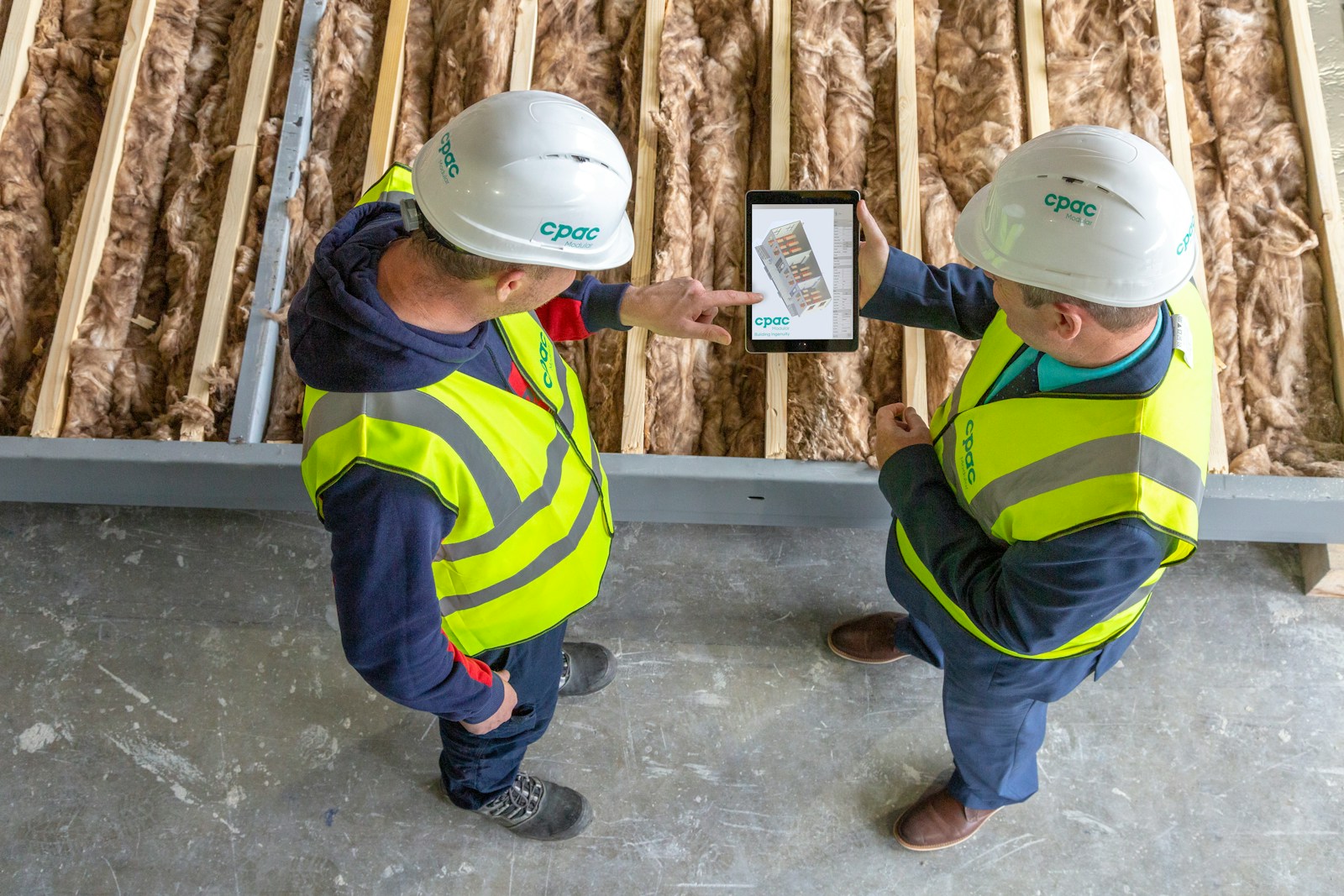
Construction work moves, but the information needed to complete it has to move with the crew. A superintendent may approve a drawing revision beside a foundation while a project manager updates a schedule from another location. If either person works from an outdated file, the resulting confusion can be expensive. Construction connectivity should therefore support the actual sequence of field decisions. The objective is dependable access where people work, with a practical plan for the days when coverage, power, or equipment fails.
Map the jobsite before choosing a service
A jobsite is not a small office with different scenery. Equipment moves, temporary structures appear, and coverage conditions can change as a building rises. Start with a simple map showing trailers, work areas, entrances, material storage, and places where staff need to upload documents. Identify whether crews need connectivity indoors, outside, or both. Test candidate services in those locations rather than relying only on a coverage map. Record the device, time, signal conditions, and application used so that the results can guide a repeatable decision.
Match capacity to field workflows
Daily activity creates different network demands. Uploading progress photographs places pressure on upstream capacity, while reviewing a cached drawing may need very little live bandwidth. Video coordination sessions can be sensitive to congestion even when file downloads seem quick. List the tools used by project management, subcontractors, and administrative staff, then identify which tasks must work immediately. Consider the busiest overlap of users, not simply the crew count. This helps distinguish a workable field communications plan from a service that looks attractive only on a speed advertisement.
Build a practical temporary network
A cellular router can provide a shared connection, but its position, antenna arrangement, local Wi-Fi, and power supply still matter. Place equipment where it can be protected from weather, dust, and accidental disconnection. Ask the installer to explain coverage limitations and any restrictions on antennas or mounting. A wired connection inside a trailer may be useful for fixed workstations even when the upstream service is wireless. Document the equipment owner and removal process so that a temporary deployment does not become an unmanaged collection of devices.
Keep business traffic separate
Visitors and subcontractors may need internet access without needing access to internal company systems. Separate guest use from business devices, and use individual accounts for applications wherever possible. Avoid making a shared Wi-Fi password the only protection for project records. Devices should receive software updates, and lost phones need a defined reporting process. The field team also needs an understandable explanation of what information may be stored locally. A secure design is useful only when the people on the jobsite can follow it during a busy workday.
Prepare for a connection failure
Identify the work that can continue offline and the work that requires an alternative connection. Keep approved drawing versions available through the application's supported offline features, and establish how changes are synchronized afterward. If a backup service is required, check whether it depends on the same carrier or local infrastructure as the primary connection. Test the transition during a controlled period. A backup that works for email may still be insufficient for large uploads. Document those limits so supervisors can prioritize essential work during a disruption.
Control usage and project handoffs
Wireless business internet plans can differ in data allowances, prioritization, and device restrictions. Review the actual terms before using a plan as the main jobsite connection. Track consumption from cloud synchronization, software updates, and video traffic. As the project changes phases, review whether the network still fits the crew and location. During handoff, recover routers, remove temporary accounts, cancel unnecessary services, and retain configuration records. These steps prevent an old project from continuing to generate charges or leaving access available after the work is complete.
Run a field acceptance exercise
Before declaring the setup ready, ask a small group to complete ordinary tasks from several work areas. Have one person upload a photograph, another open the current drawing set, and another join a coordination call. Repeat the exercise when equipment and crews are present, because an empty site may give a misleading impression. Record problems in business terms: the upload failed, the drawing did not refresh, or the call dropped. Assign an owner to each finding and retest after adjustments. This creates evidence that the network supports construction work, rather than merely evidence that a device can connect.
Make the plan visible to the crew
Post a short connection guide in the trailer and include it in site onboarding. Identify the supported network, the person responsible for equipment, and the reporting route for a failure. Explain any reduced operating mode without requiring staff to understand router settings. Review the guide when the site changes. A simple instruction sheet helps supervisors turn technical arrangements into consistent field behavior and reduces dependence on whichever employee happened to install the first hotspot.
Frequently Asked Questions
Is cellular service enough for an entire jobsite?
It can be suitable for some sites, but coverage, simultaneous usage, data terms, and local Wi-Fi design determine the result. Test the intended applications at the site and evaluate peak activity before treating cellular service as the only connection.
Does a stronger signal always mean better performance?
No. Signal is one factor, while congestion, equipment, interference, and the application also affect performance. A useful assessment combines signal observations with task completion, upload behavior, and call quality at the locations where crews actually work.
How should subcontractors receive internet access?
Provide a separate guest network or another controlled access method appropriate to the project. Keep internal applications behind their own authentication, and clarify acceptable use, support responsibility, and when guest access will be removed.
What should work when the network is unavailable?
Choose that list with supervisors. Current approved documents, emergency contact information, and basic field records may need offline access. Confirm each application's supported offline behavior, including how conflicting edits and later synchronization are handled.
When should connectivity be reassessed?
Review it when the crew grows, trailers move, structures change coverage, or new applications are introduced. A short recurring check can reveal problems early, particularly when temporary network equipment has been relocated without updating the original design.
Plan your next jobsite connection
Bring your site map, application list, and coverage test notes to a conversation with CommX Defense Systems. Ask which connectivity options, deployment responsibilities, and support arrangements are available for your project, and confirm the scope in writing before making a decision.